Guide to Switching Between Classes (For Teachers)
I. Access Your Personal Profile
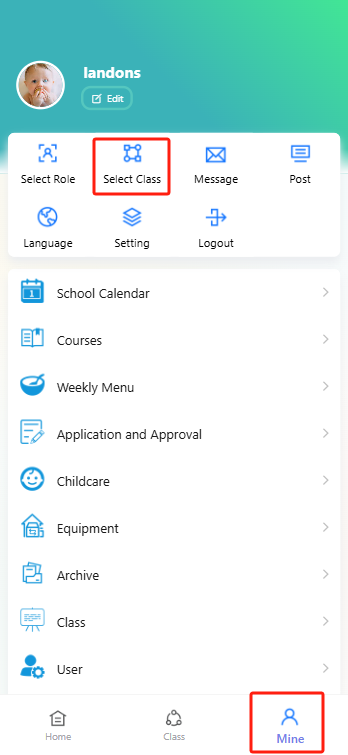
Open theProgressive Web App and tap the "Profile" icon (far right in the bottom navigation bar) to enter your personal profile page.
II. Select a Class
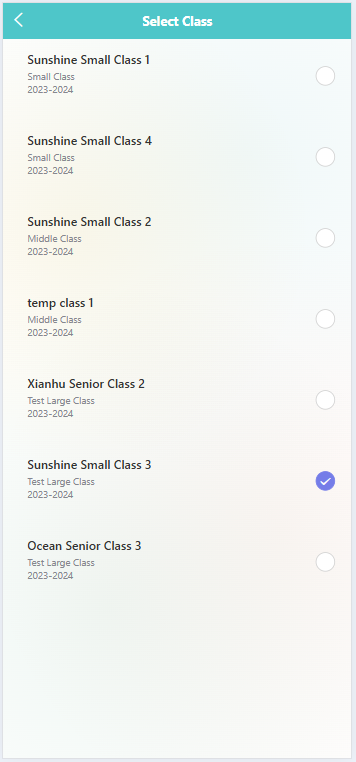
On the profile page, find and tap the "Select Class" option. Once on the class selection page, you will see a list of classes you teach—each entry has a circular selection button on the right. Locate the class you want to switch to, then tap its corresponding circular button until a checkmark appears to confirm selection. This completes the class switch.